> ## Documentation Index
> Fetch the complete documentation index at: https://docs.voicebot.studio/llms.txt
> Use this file to discover all available pages before exploring further.
# Dashboard Overview
> Your control center for managing VoiceBot Voice AI
Welcome to the VoiceBot Dashboard at [app.voicebot.studio](https://app.voicebot.studio). This is your central hub for building, managing, and monitoring your voice AI applications.
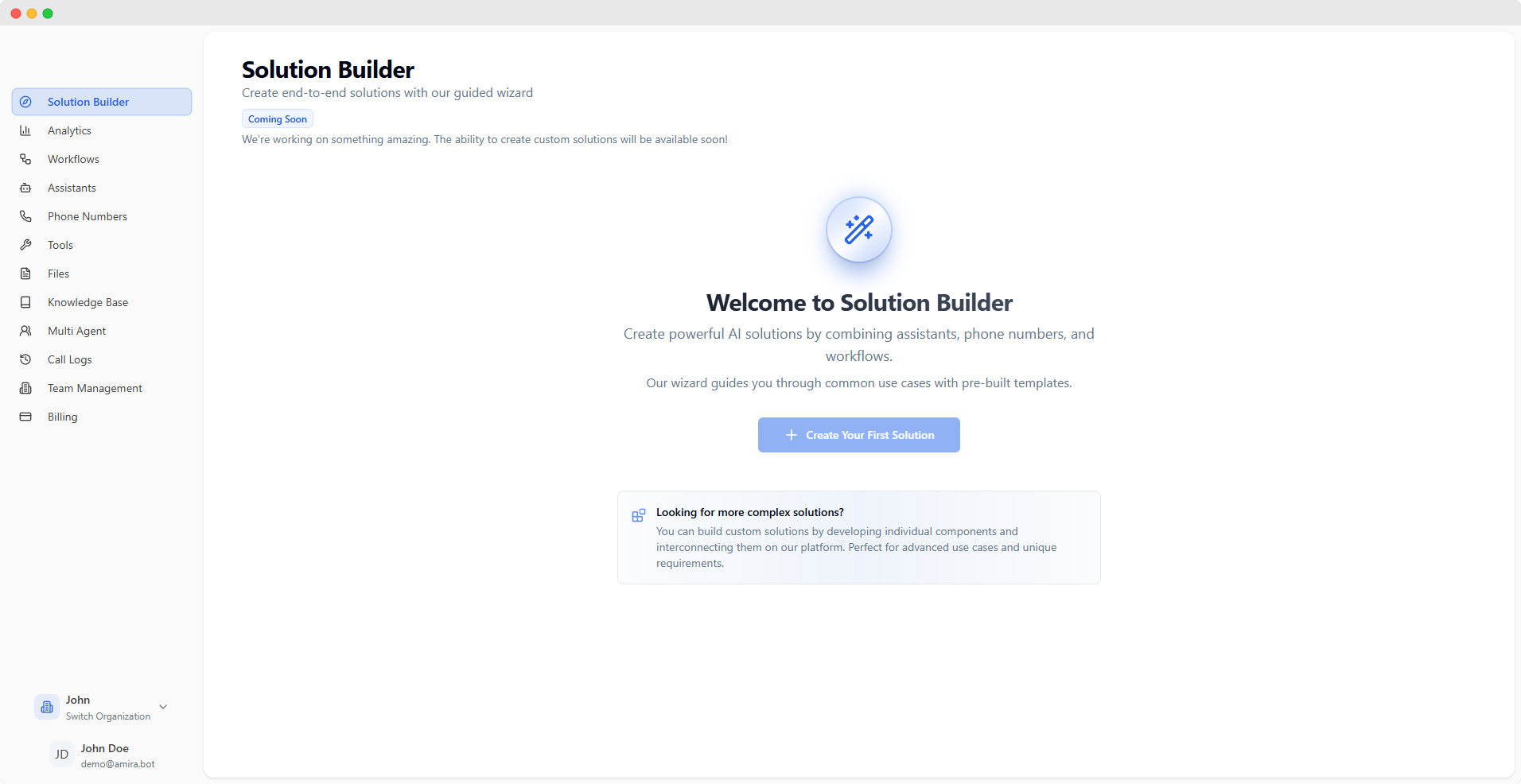 ## Getting Started
Create your account at [app.voicebot.studio](https://app.voicebot.studio)
Check your inbox and verify your email address
You'll be automatically enrolled in the free plan and can start building your first voice AI solution
## Dashboard Features
Track performance and usage metrics
Create visual workflows for complex interactions
Configure and manage AI assistants
Manage voice connectivity and routing
Orchestrate multiple AI agents
Review detailed call history and analytics
Create custom tools and functions
Manage context and data sources
Manage team access and permissions
Configure account and API settings
## Key Features in Action
## Getting Started
Create your account at [app.voicebot.studio](https://app.voicebot.studio)
Check your inbox and verify your email address
You'll be automatically enrolled in the free plan and can start building your first voice AI solution
## Dashboard Features
Track performance and usage metrics
Create visual workflows for complex interactions
Configure and manage AI assistants
Manage voice connectivity and routing
Orchestrate multiple AI agents
Review detailed call history and analytics
Create custom tools and functions
Manage context and data sources
Manage team access and permissions
Configure account and API settings
## Key Features in Action
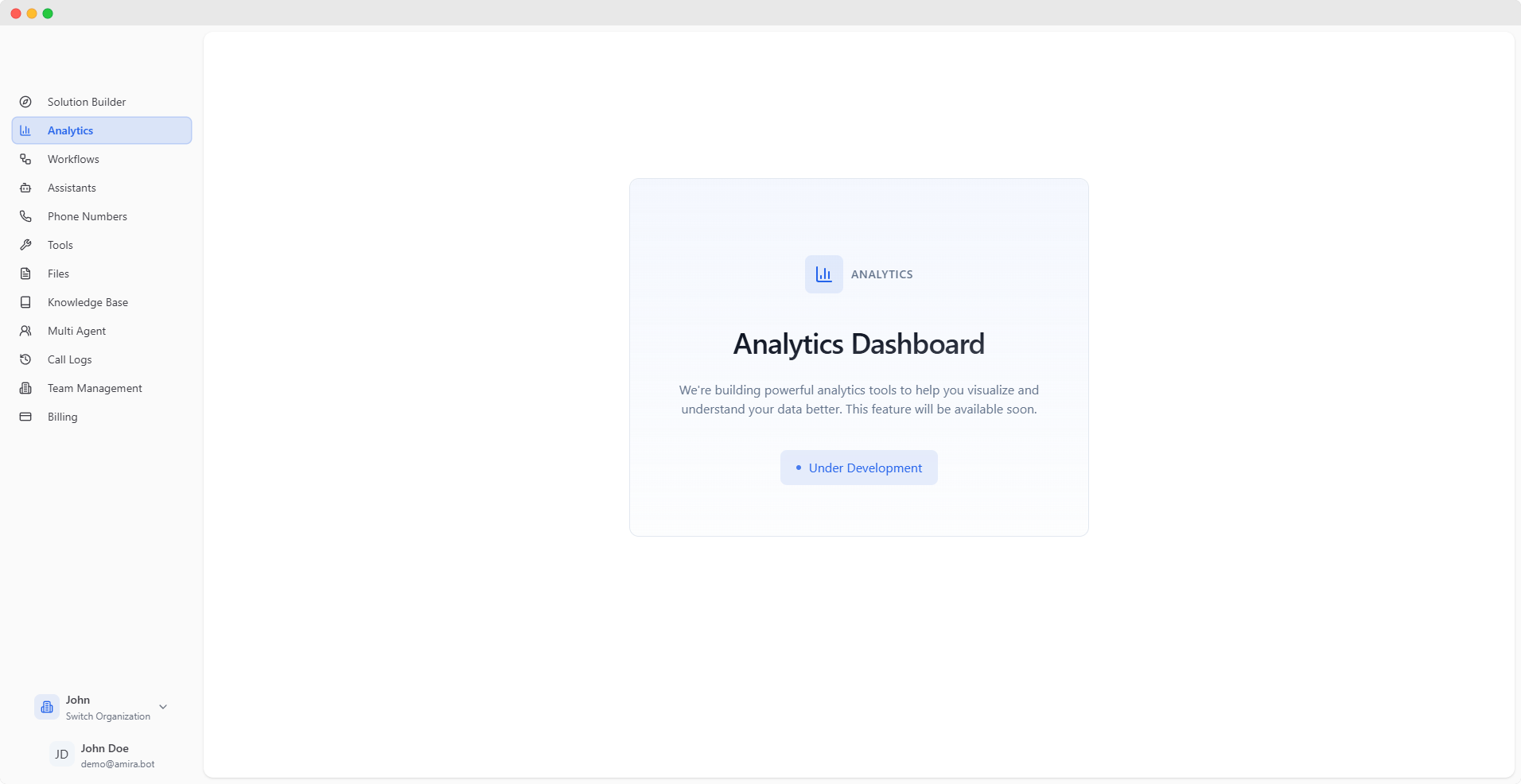 Monitor key metrics and performance indicators in real-time.
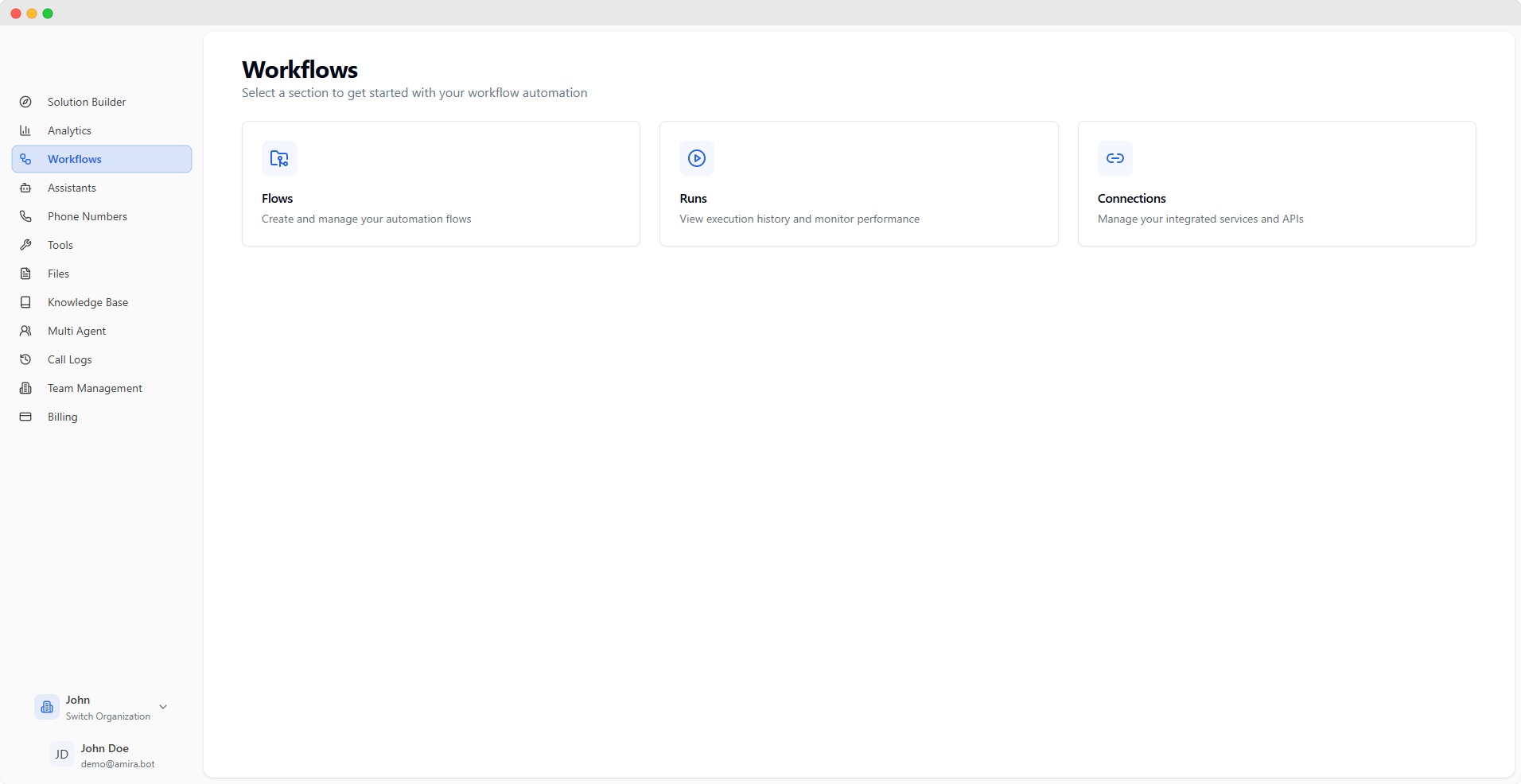 Design complex conversation flows visually with our drag-and-drop builder.
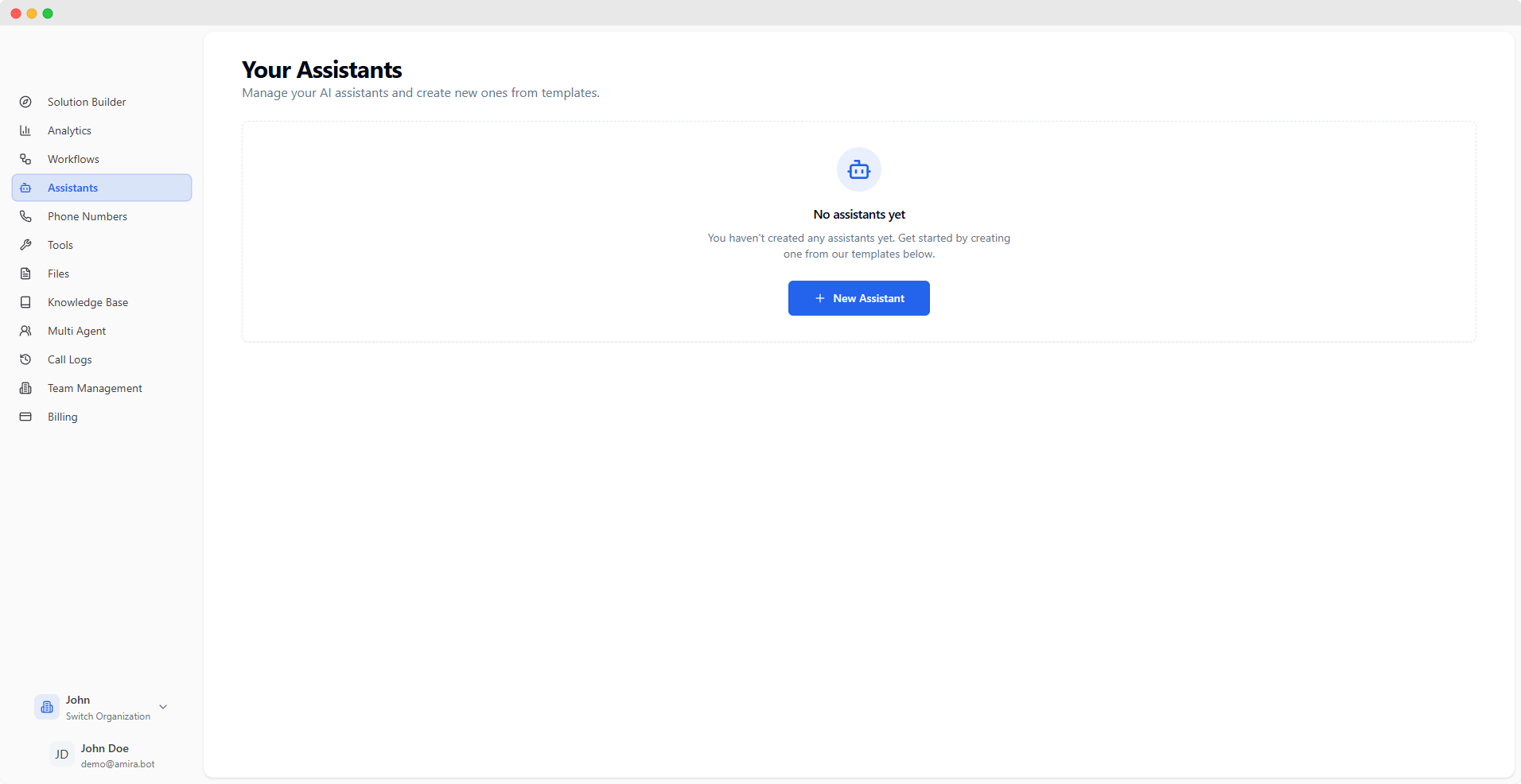 Configure and manage your AI assistants with detailed behavior settings.
## Navigation
* Organization switcher for managing multiple organizations
* Quick access to documentation and support
* User profile and settings
* Access to all major features and tools
* Collapsible for more workspace
* Visual indicators for active section
## Security & Authentication
* 4-hour session tokens
* Secure password reset
* Multi-factor authentication support
* Generate API keys
* Role-based permissions
* Secure token management
For detailed information about specific features, please navigate to their respective sections in the documentation.
Configure and manage your AI assistants with detailed behavior settings.
## Navigation
* Organization switcher for managing multiple organizations
* Quick access to documentation and support
* User profile and settings
* Access to all major features and tools
* Collapsible for more workspace
* Visual indicators for active section
## Security & Authentication
* 4-hour session tokens
* Secure password reset
* Multi-factor authentication support
* Generate API keys
* Role-based permissions
* Secure token management
For detailed information about specific features, please navigate to their respective sections in the documentation.