> ## Documentation Index
> Fetch the complete documentation index at: https://docs.voicebot.studio/llms.txt
> Use this file to discover all available pages before exploring further.
# Workflows
> Build sophisticated voice automation with visual workflows
## Overview
Build and manage complex integrations with our visual workflow builder. Workflows consist of three main components: Flows, Runs, and Connections, each serving a specific purpose in your automation journey.
## Main Components
### Flows
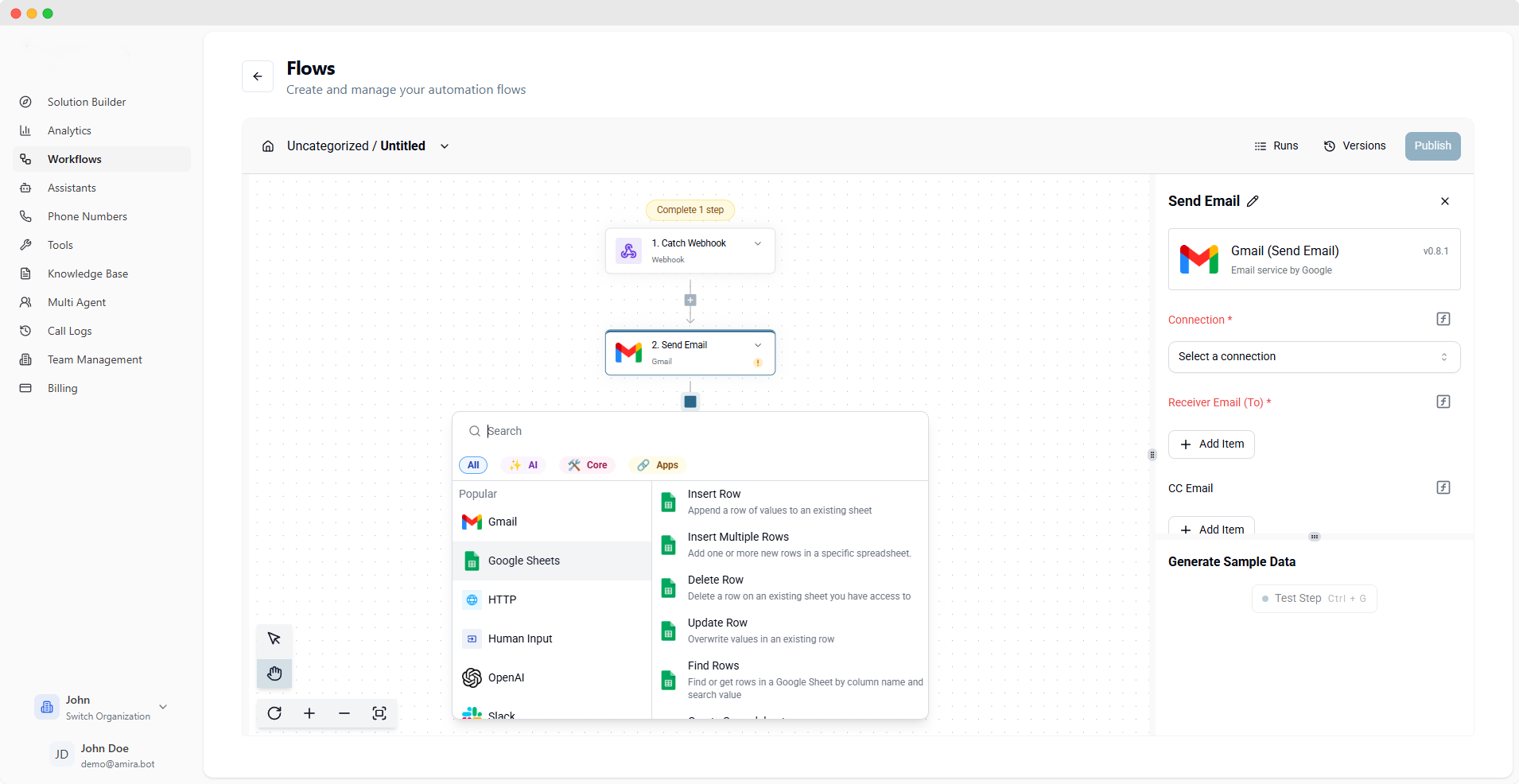 Build powerful automation flows using our visual workflow builder. With access to over 200+ integrations, you can create complex workflows by simply dragging and dropping components.
Create workflows visually with an intuitive drag-and-drop interface
Access our extensive library of [pre-built integrations](/workflow-integrations)
Categorize flows into folders for better management and organization
Easily share and reuse workflows across your organization
### Runs
Build powerful automation flows using our visual workflow builder. With access to over 200+ integrations, you can create complex workflows by simply dragging and dropping components.
Create workflows visually with an intuitive drag-and-drop interface
Access our extensive library of [pre-built integrations](/workflow-integrations)
Categorize flows into folders for better management and organization
Easily share and reuse workflows across your organization
### Runs
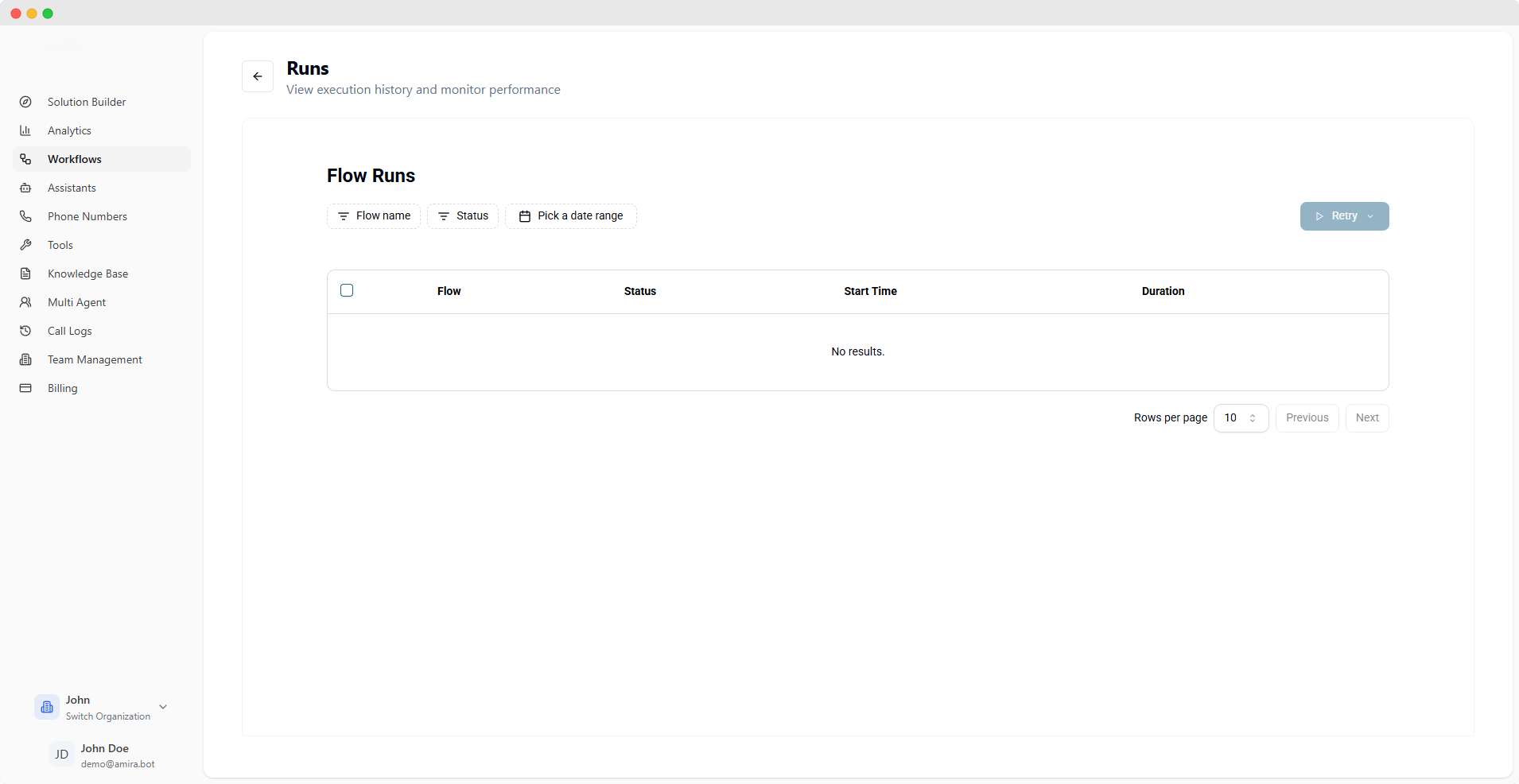 Monitor and track the execution of your workflows in real-time. The Runs section provides detailed insights into workflow performance and execution status.
View complete history of workflow executions
Monitor success/failure status of each run
Detailed logs and error messages for troubleshooting
Track execution time and resource usage
### Connections
Monitor and track the execution of your workflows in real-time. The Runs section provides detailed insights into workflow performance and execution status.
View complete history of workflow executions
Monitor success/failure status of each run
Detailed logs and error messages for troubleshooting
Track execution time and resource usage
### Connections
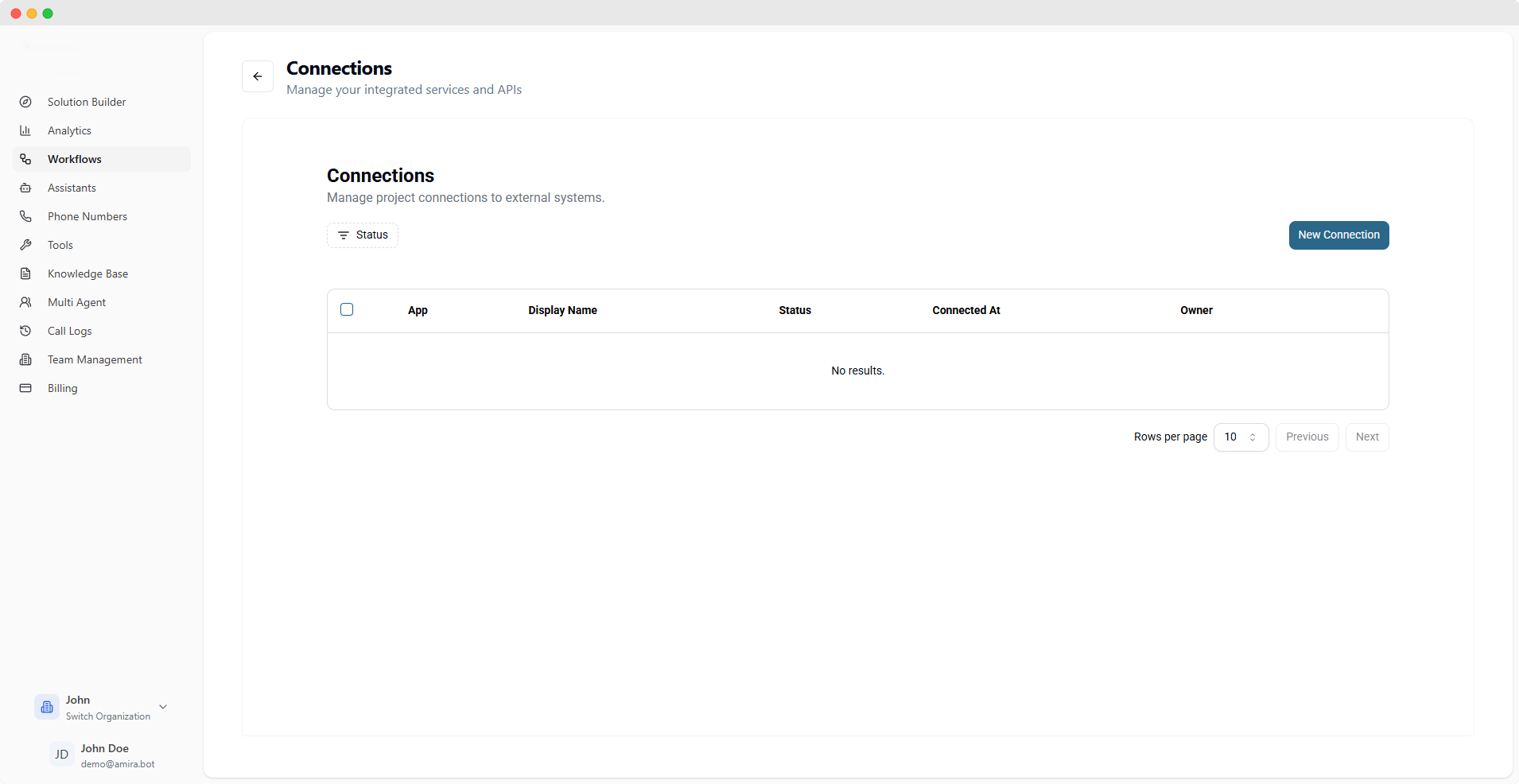 Manage your third-party service connections in one place. Create and reuse connections across multiple workflows without repetitive configuration.
Manage all your integration connections in one place
Safely store and manage authentication credentials
Use the same connection across multiple workflows
Quick and simple connection configuration
## Templates & Examples
Automatically sync data between different systems
Handle and process events in real-time
Connect and integrate with external APIs
Build custom workflows for unique requirements
Explore our complete list of integrations in the [Workflow Integrations](/workflow-integrations) section to discover all available possibilities for your automation needs.
Manage your third-party service connections in one place. Create and reuse connections across multiple workflows without repetitive configuration.
Manage all your integration connections in one place
Safely store and manage authentication credentials
Use the same connection across multiple workflows
Quick and simple connection configuration
## Templates & Examples
Automatically sync data between different systems
Handle and process events in real-time
Connect and integrate with external APIs
Build custom workflows for unique requirements
Explore our complete list of integrations in the [Workflow Integrations](/workflow-integrations) section to discover all available possibilities for your automation needs.