
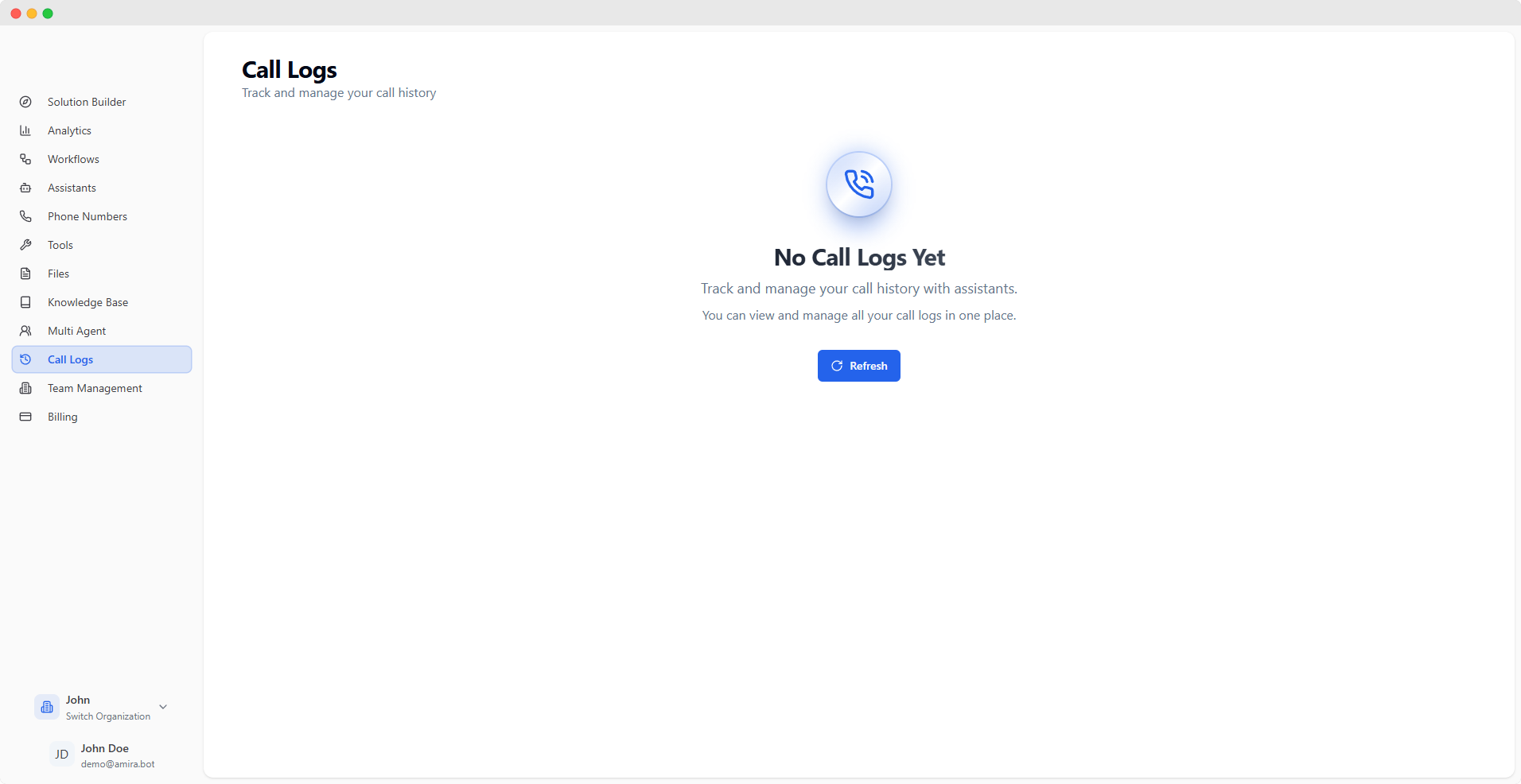
Call History
View and manage your complete call history in a detailed tabular format. Each call entry provides essential information about the interaction.Filtering Options
Today & Yesterday
Quick access to recent calls from today and previous day
This Week
Current week’s calls including Last 7 Days view
Monthly View
This Month, Last Month, and custom month selection
Use the date picker for custom date ranges or choose from preset filters for quick access to specific time periods.
Call Information
Call Type
Inbound/Outbound call direction and unique Call ID
Participants
Assistant and customer phone number details
Status
End reason and duration information
Timing
Start time in your timezone (GMT+5)
For deleted assistants or phone numbers, only their IDs will be visible. Active items are clickable and link to their detailed configuration pages.
Call Details
Click on any call to view its detailed information across multiple tabs. When audio recording is enabled, you can:- Play the call recording
- Download mono or stereo versions
- Control playback speed and volume
- Overview
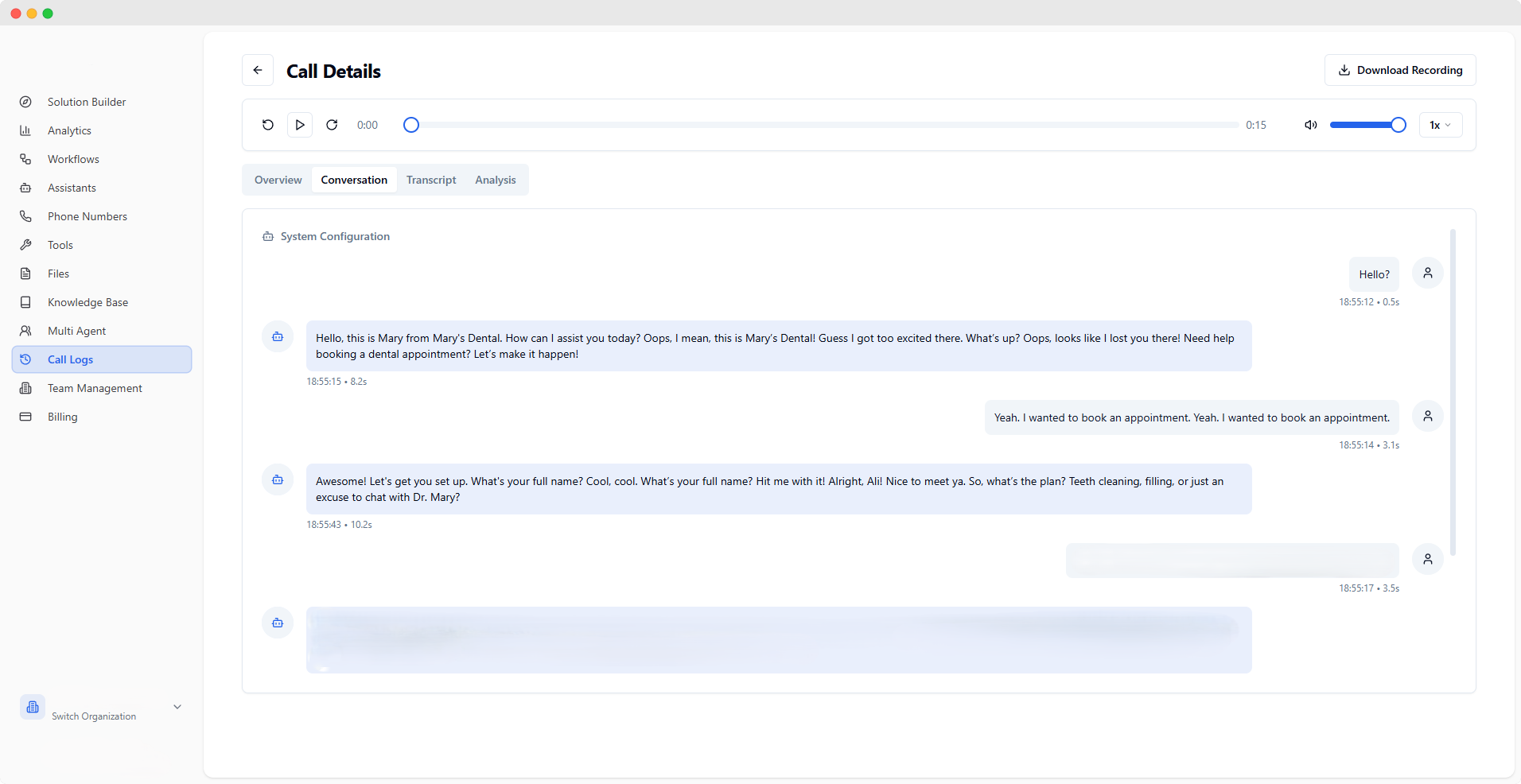
- Conversation
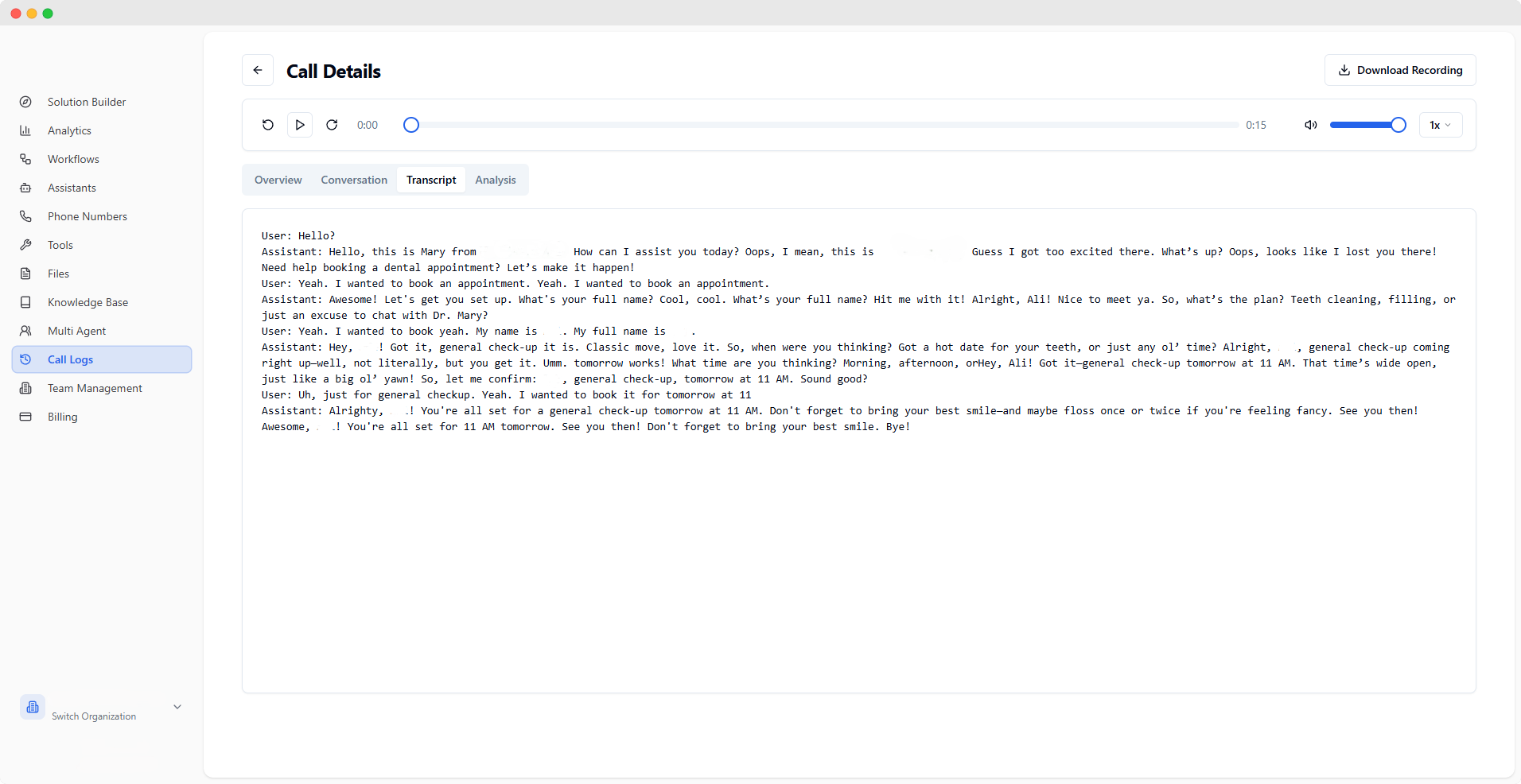
- Transcript
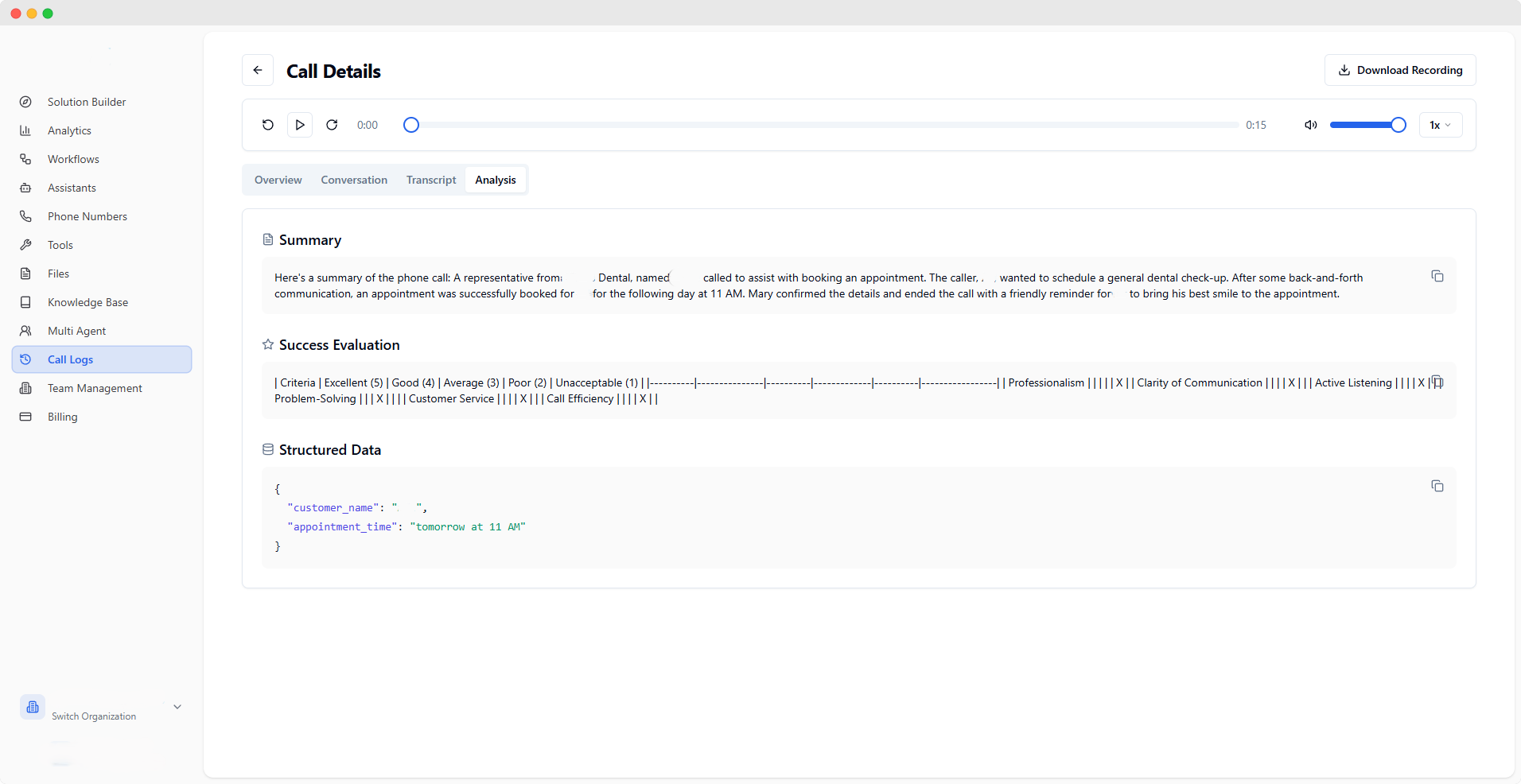
- Analysis
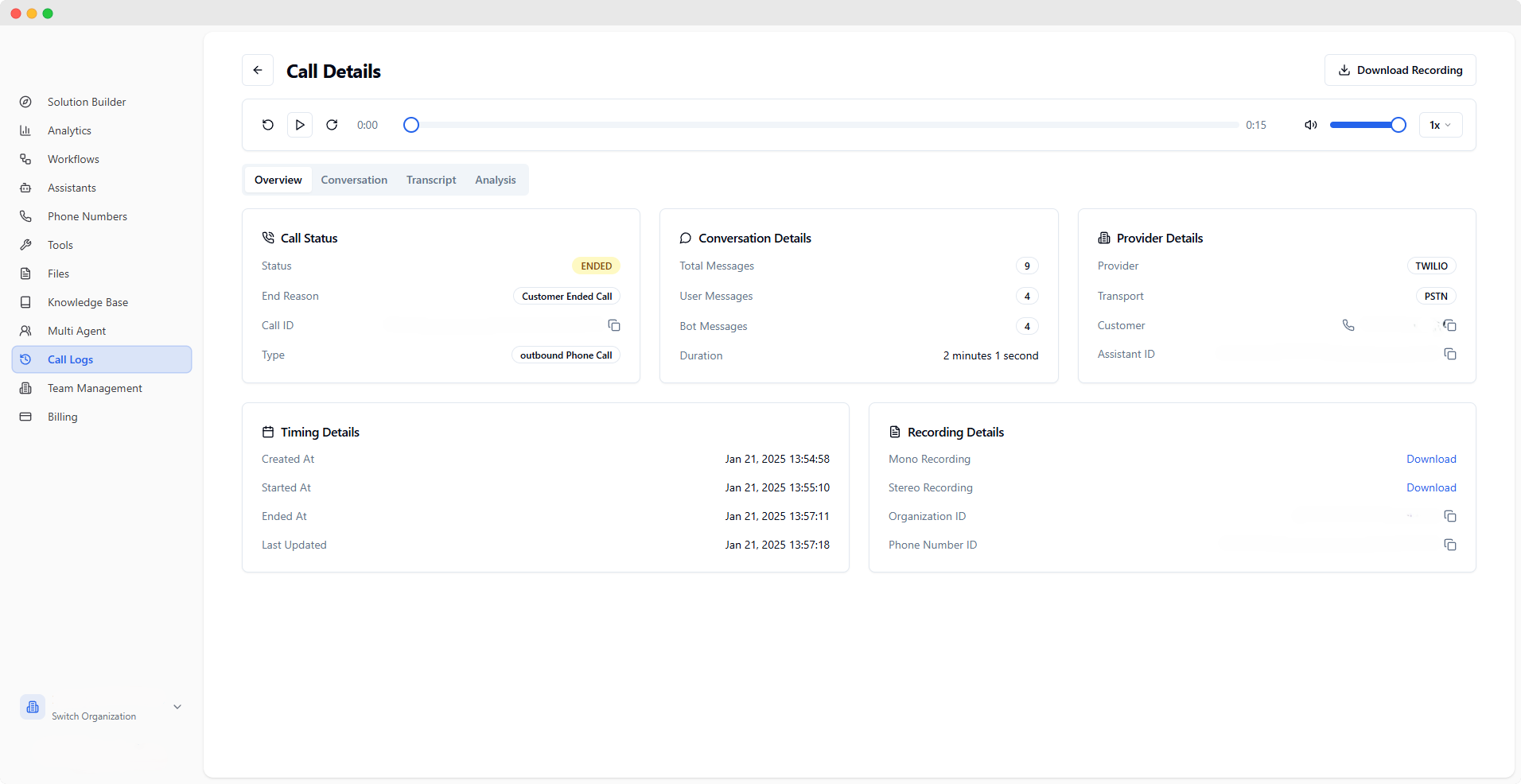
object
- Status: Current call state (e.g., ENDED)
- End Reason: Why the call terminated
- Call ID: Unique identifier
object
- Type: Call direction (inbound/outbound)
- Total Messages: Message count
- User/Bot Messages: Message breakdown
- Duration: Call length
object
- Provider: Service provider (e.g., TWILIO)
- Transport: Connection type
- Customer: Customer phone number
- Assistant ID: Associated assistant
object
- Created At: Call creation time
- Started At: Call start time
- Last Updated: Latest update time
Best Practices
-
Regular Monitoring
- Review calls periodically
- Track success patterns
- Identify improvement areas
-
Data Analysis
- Use filters effectively
- Export important data
- Monitor key metrics
-
Quality Assurance
- Listen to recordings
- Review transcripts
- Analyze AI performance